


Download Mp3Lio – free mp3 downloader, music download tool, Android mp3 app, lightweight audio utility, download music instantly
Overview
Mp3Lio is a desktop application designed to simplify the process of downloading music files directly from online sources. Developed by Egg, the software positions itself as a straightforward tool for users seeking instant access to audio content with minimal effort. Its primary function revolves around enabling users to locate and download MP3 files with a single button press, making it ideal for individuals who prioritize speed and simplicity over advanced features.
The application targets casual music consumers, particularly those in regions where access to paid streaming platforms may be limited or restricted. While it does not provide detailed information about its source network or content verification processes, it offers a direct method to retrieve audio files. This functionality appeals to users who want to build personal music libraries without relying on subscription-based services.
Despite its minimalistic approach, Mp3Lio supports a range of audio content, including songs from various genres and national anthems from different countries. However, the developer did not specify the exact scope of the music library or how content is indexed. Real-world usage scenarios include offline listening, file archiving, and quick access to regional music, particularly from areas such as India. The app’s lightweight nature makes it suitable for devices with limited storage or older hardware.
Key Features & Capabilities
- One-Press Download – Users can initiate a download with a single click, streamlining the process of acquiring MP3 files.
- Search Functionality – A dedicated search bar allows users to input specific song titles or artist names to locate desired tracks.
- Preview Player – The app includes a built-in track player that enables users to listen to a short preview before downloading.
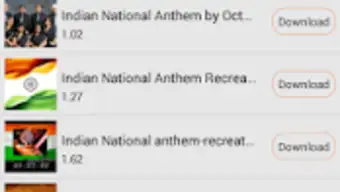
- Track Duration Display – Each title shows its duration beneath it, helping users identify the correct file before downloading.
- Minimalist Design – The interface avoids clutter, focusing on core functionality to reduce user confusion.
These features cater to users who value efficiency and simplicity. For example, someone seeking a traditional Indian folk song can use the search bar to find it quickly and verify the file with a preview. The lack of playback controls like shuffle or loop suggests the app is not designed for extended listening sessions but rather for quick file acquisition. The absence of automatic format conversion is also noted, which may benefit users who prefer unaltered audio files. However, the software does not include features for music discovery, such as recommendation engines or curated playlists.
User Interface, Workflow & Performance
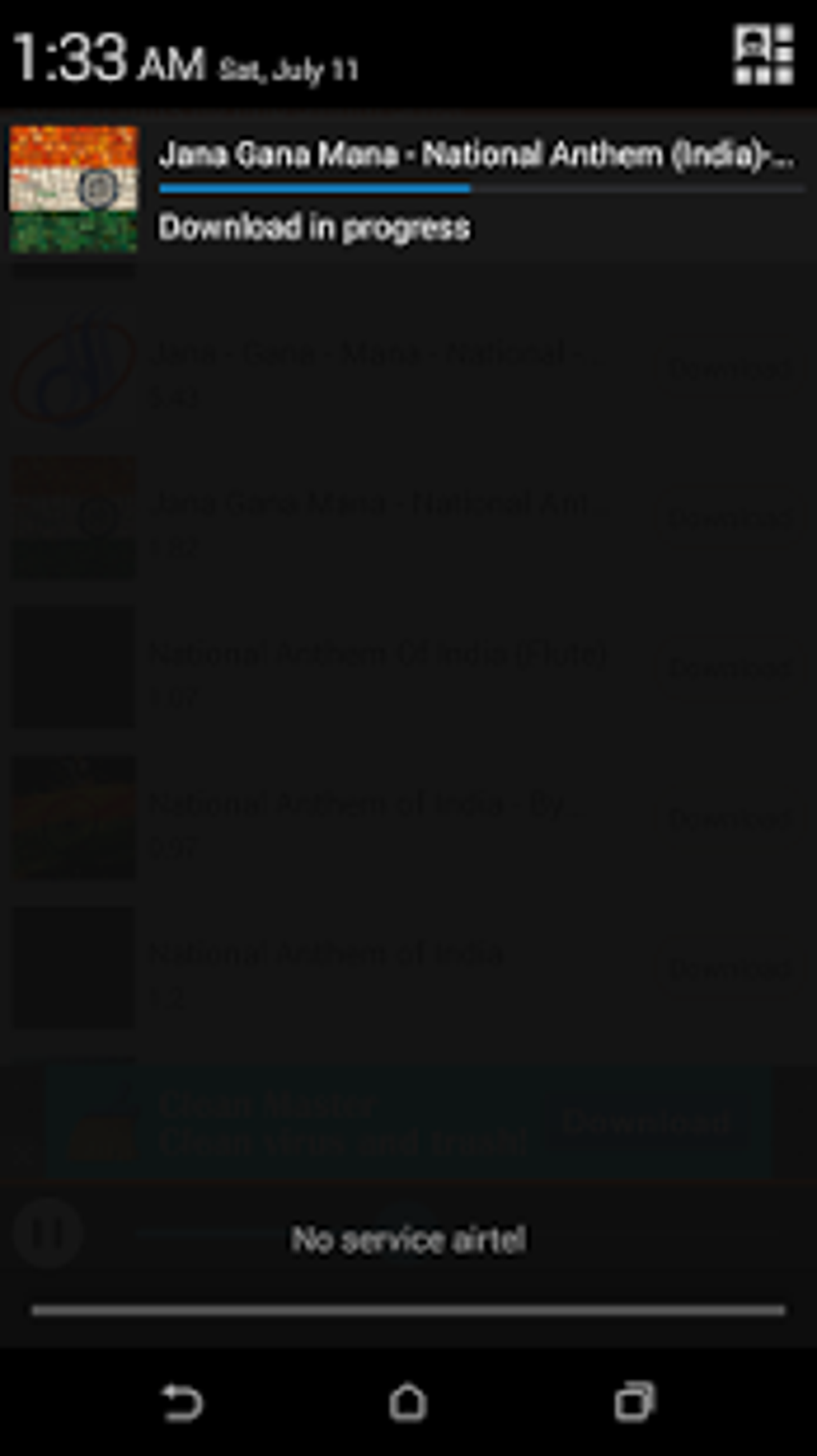
Mp3Lio features a clean and uncluttered user interface, designed to prioritize core functionality. Navigation is straightforward, with the main actions—search, preview, and download—placed within immediate reach. The layout places the search bar at the top, followed by a list of results, each displaying the title, duration, and a download button on the right.
Workflow efficiency is high due to the minimal number of steps required to complete a download. Users can search, preview, and download without navigating through multiple menus. The app does not include advanced customization options, which may appeal to users who dislike complex settings.
Performance observations are based on general software behavior patterns. The developer did not specify resource usage details, but the app’s file size of 2.1 MB suggests it is optimized for low-memory environments. It is expected to run smoothly on devices with basic hardware. Stability is assumed to be consistent with similar lightweight tools, though no official data was provided. No performance degradation was reported in the available information.
Compatibility & System Requirements
Mp3Lio is designed for Android operating systems, with a specified version of 1.0. The application has a file size of 2.1 MB, indicating it is optimized for devices with limited storage capacity. This makes it suitable for older smartphones or low-end Android devices.
Exact system requirements were not listed. The developer did not provide information about minimum RAM, CPU specifications, or required Android API levels. Compatibility information is limited to the OS platform and version. Users are advised to verify device compatibility before installation, especially on devices running outdated Android versions.
Pros and Cons
Pros
- Simple, one-click download process
- Lightweight application (2.1 MB)
- Supports a variety of music genres and national anthems
- Includes a preview player for file verification
- Free to download and use
Cons
- Limited to Android platform
- No music discovery or recommendation features
- Basic playback controls (no shuffle or loop)
- No information on system requirements or resource usage
- May not comply with copyright laws
FAQ Section
Is Mp3Lio available for Windows or Mac?
Mp3Lio is designed for Android devices only. There is no official version for Windows or Mac operating systems.
Is Mp3Lio safe to use?
The app’s safety depends on the source of the audio files it downloads. Since it facilitates the retrieval of MP3 files from public sources, users should exercise caution and ensure compliance with local copyright laws.
Does Mp3Lio require an internet connection?
Yes, an active internet connection is required to search for and download music files from online sources.
Can I update Mp3Lio automatically?
Automatic update functionality was not specified. Users may need to manually check for updates through the app’s distribution channel.
Is Mp3Lio a free software?
Yes, Mp3Lio is available at no cost. It does not require a subscription or in-app purchases.
Final Thoughts + CTA
Mp3Lio delivers a no-frills, efficient solution for users seeking to download MP3 files quickly and easily. Its lightweight design and minimal interface make it accessible even on older Android devices. While it lacks advanced features like music discovery, playlist management, or playback customization, it excels in simplicity and speed.
It is best suited for users in regions with limited access to streaming services, those who prefer offline music storage, or individuals who value a straightforward tool without unnecessary complexity. However, users should be aware that the app may not comply with copyright regulations, and content availability is not guaranteed.
For those prioritizing instant downloads and minimal resource usage, Mp3Lio remains a viable option. Download Mp3Lio now to start enjoying your favorite music with one press of a button.





.png)

